


SaaS
SaaS & business app design
UX/UI design for SaaS and business software: dashboards, forms and task management. Clear data layouts help teams understand information and keep track of their work.
Discuss this need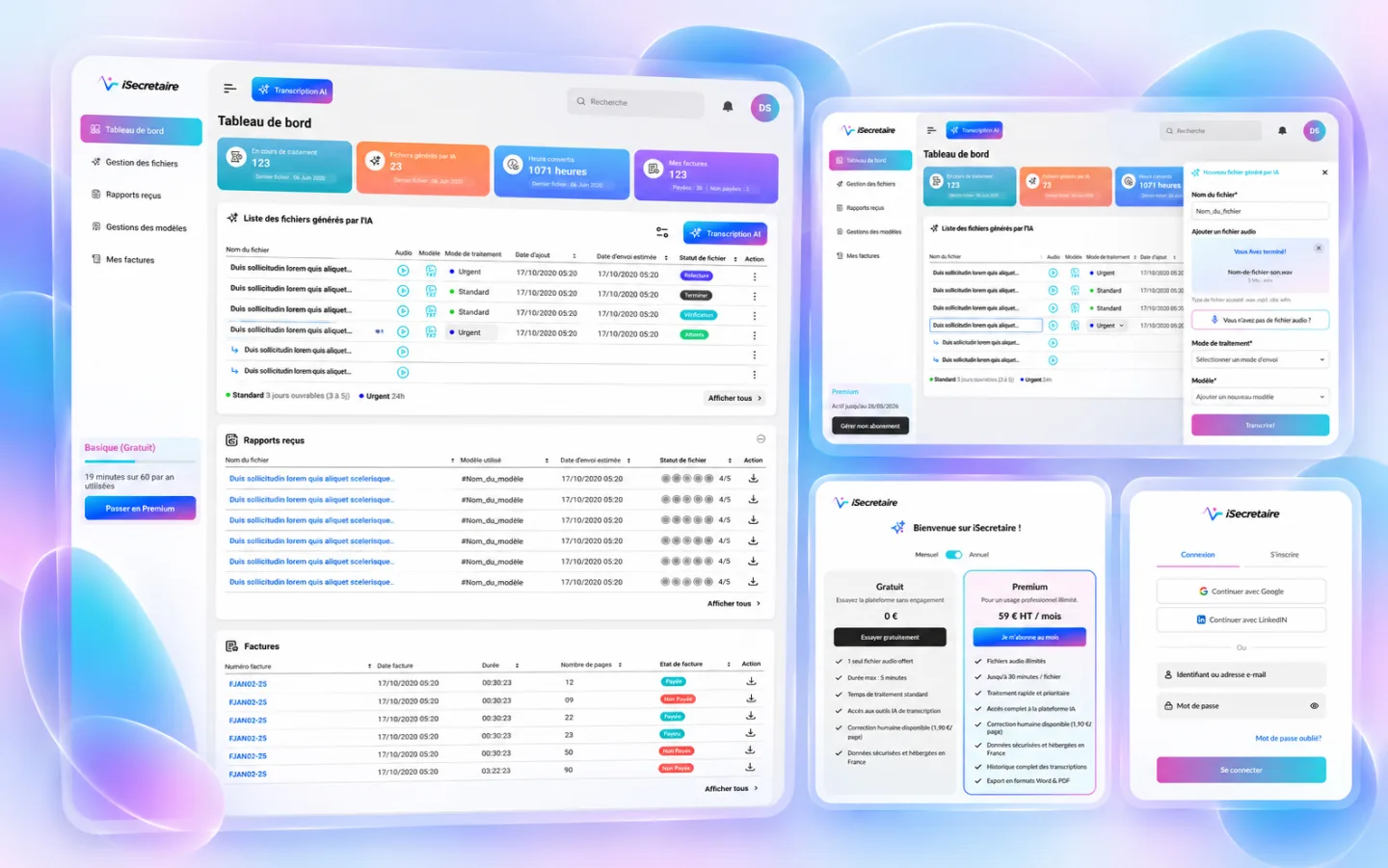

About this selection
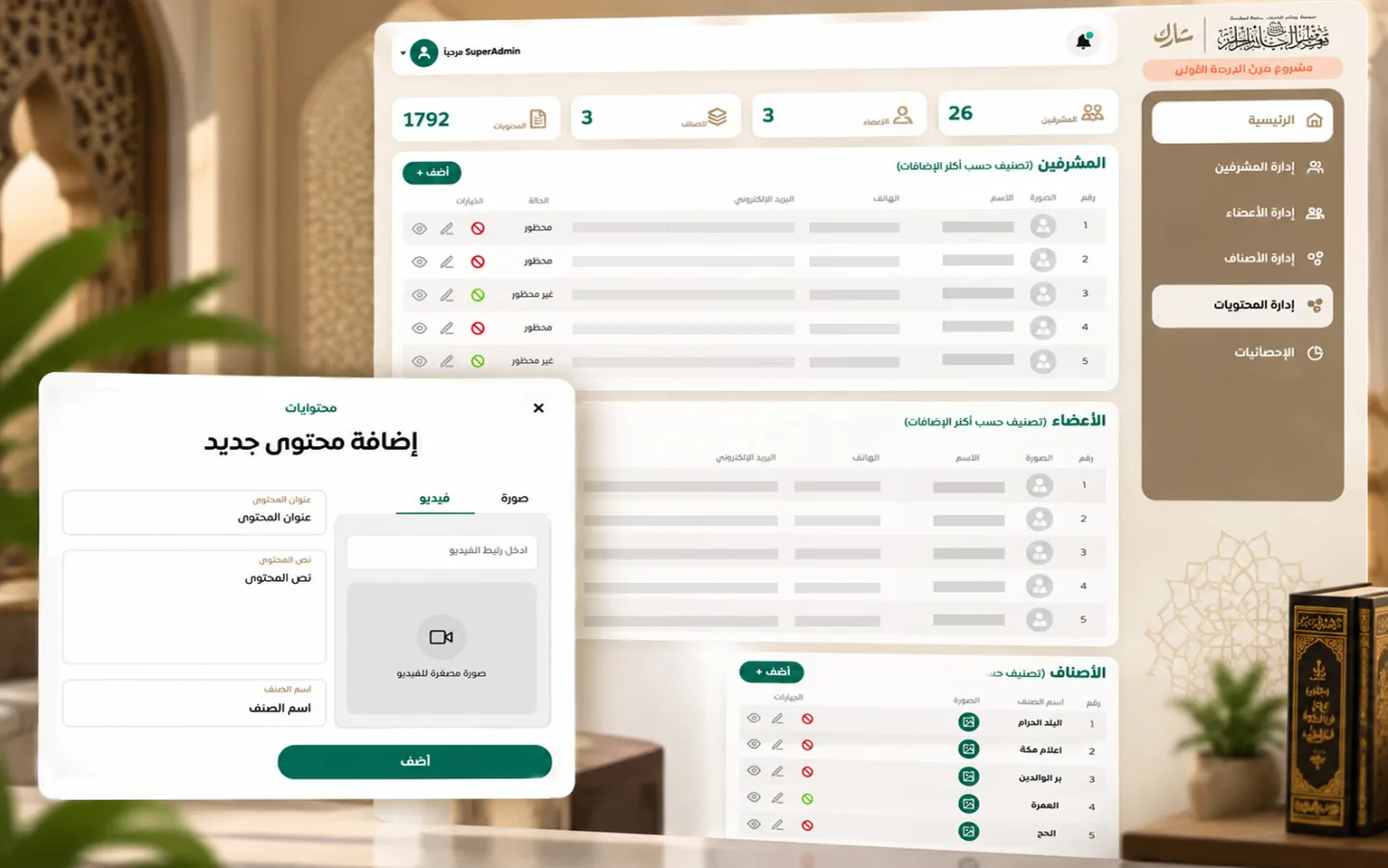
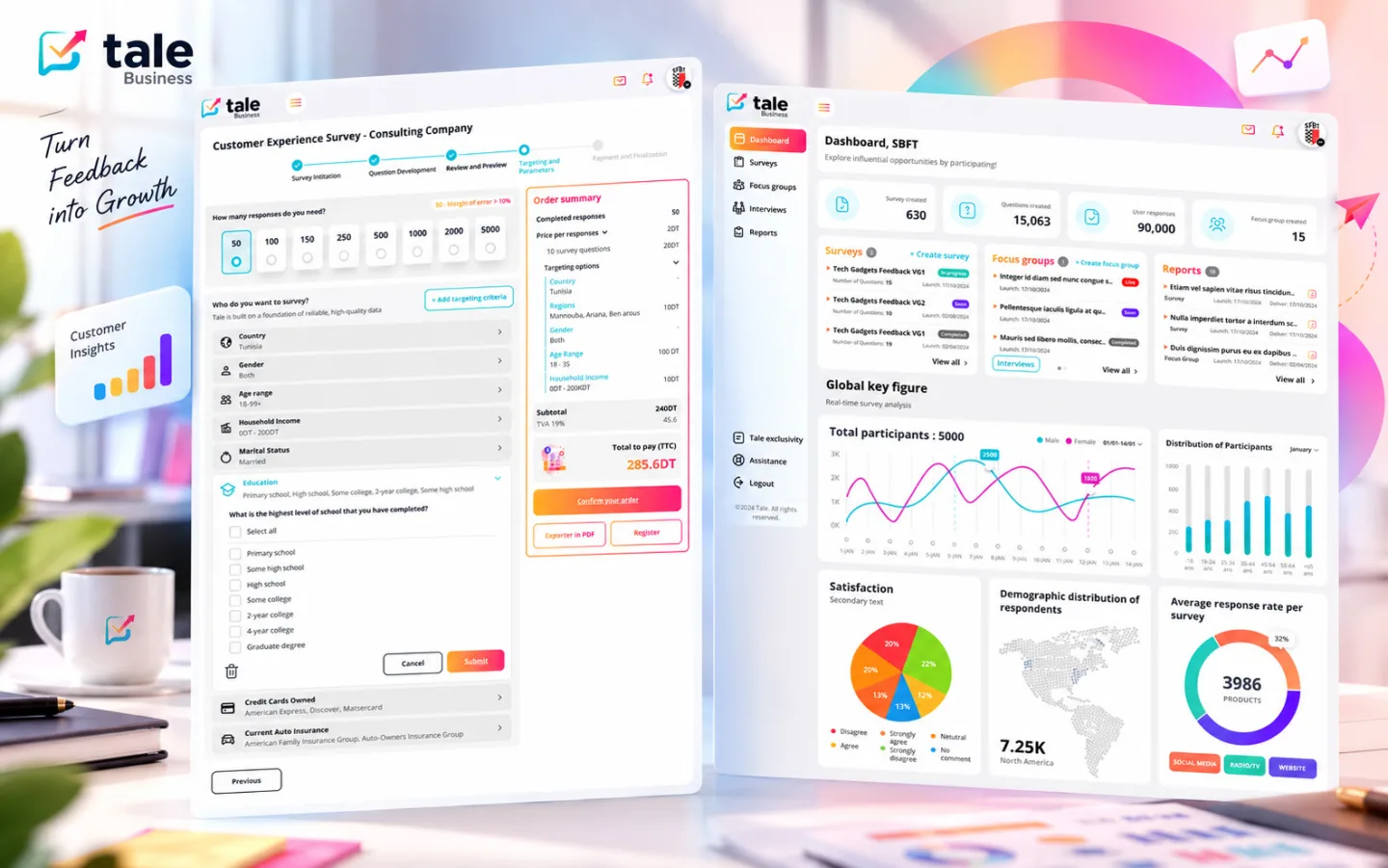
Business tools often bring many data points and actions together on one screen. These visuals show dashboards, lists and forms arranged around everyday work. The approach is to set a clear information hierarchy, make filters understandable and keep key actions easy to find. The interface design aims to make information easier to read and tasks easier to follow.
- Dashboards
- Data
- Forms
UX/UI design for dashboards and business tools.
Understand tasks, prioritise data and clarify filters and forms.
Dashboard mockups, lists, forms and interface states.
Working sequence
Identify business tasks
Structure data and actions
Design screens and their states
Expected outcome
A structured interface for reading data and following everyday tasks.